[Script] Rem4rk's Item Wiki Links
-
Thread created on 11:37:47 - 25/03/26 (6 months ago)|Last replied 11:53:10 - 25/03/26 (6 months ago)
[Script] Rem4rk's Item Wiki Links
Ever looked at an item in your inventory and wondered, 'What does this even do?' Then, when you click Torn’s built-in Wiki button, you still have to manually search for the item?
That’s no longer an issue! My new script adds a simple button to the top-right of any item image. One click takes you directly to that specific item's Wiki page!
You can download the script here or you can find the link to it on my profile signature!
Features
- Wiki Button: Clicking the small 'W' icon in the top-right corner of any item image will instantly open its dedicated Wiki article. No more using the generic top-of-page button and manually searching for the item you need. Access detailed info for every item with a single click!

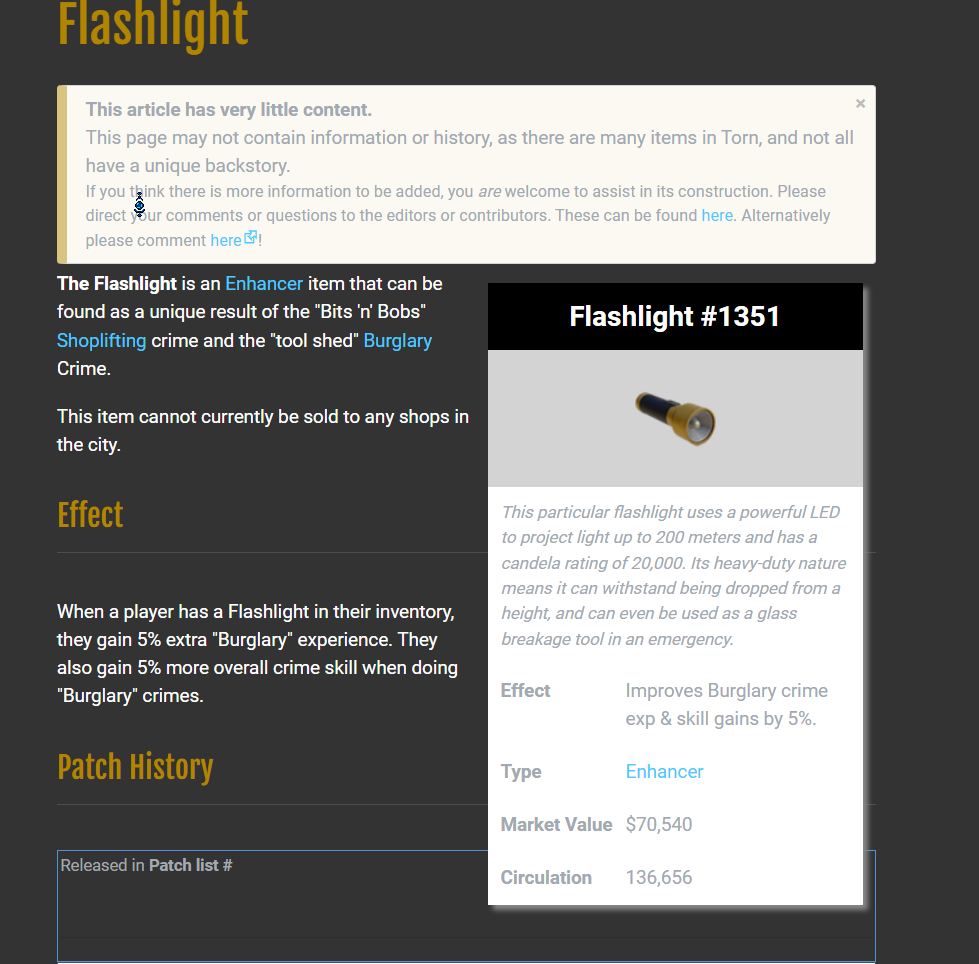
- Compatible with my Item Locking Script: Rest easy knowing both scripts are fully compatible! You can now lock items at will while maintaining instant access to Wiki information. Enhance your inventory and item pages with a seamless, dual-function experience—total control and total knowledge, all in one.

How to Use
- Install a userscript manager like Tampermonkey.
- Download it here or from the link in my profile signature.
- Lock an item from inventory.
- You will never accidentally list an item again!
Safe and Torn-Rule Compliant
- This script only allows you to open a direct link to an item's wiki page, that is literally it.
- It does not automate any item actions, page refreshes, or send any actions to Torn’s servers.
- It’s purely for personal convenience.
Tips
- Perfect for when you're curious about an item’s functionality or how to obtain it. The Wiki page always opens in a new tab, so you never have to worry about losing your place.
I hope this helps everyone else as much as it has helped me over the past month of testing!
Last edited by rem4rk on 11:55:29 - 25/03/26 (6 months ago)I also sometimes make some scripts for fun!
-
-
Posted on 11:53:10 - 25/03/26 (6 months ago)Post link copied to clipboard Copy post link
Reserved
I also sometimes make some scripts for fun!
-

![rem4rk [2375926]](/images/honors/544/h.png)