![Droq [914683]](/images/honors/29/h.png)

![Fissure [3895663]](/images/honors/218/h.png)

![TWC-Commander [2180078]](/images/honors/1371/h.png)

![Frostymaw [3412060]](/images/honors/167/h.png)


![Driccy [3449771]](/images/honors/542/h.png)

![bleeper333 [3886744]](/images/honors/135/h.png)

![Satan [612696]](/images/honors/522/h.png)

![The_Virginian [2799939]](/images/honors/395/h.png)

![LEXII [2637832]](/images/honors/966/h.png)

![Riotmunu [3767470]](/images/honors/951/h.png)
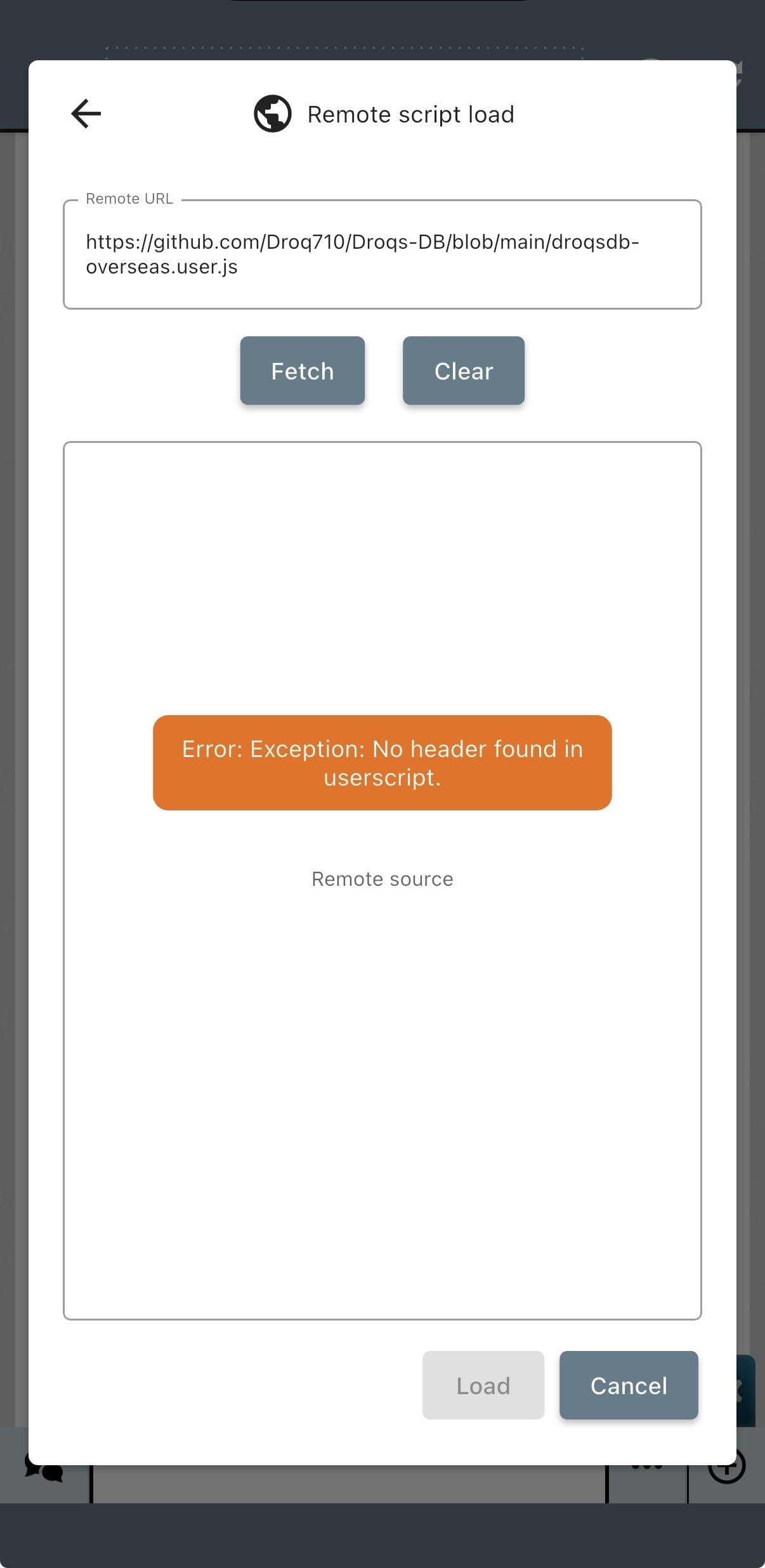
For pda shows error no header for for the user script
[Script/Site]Find the Best Travel Runs Instantly(DroqsDB)
-
Thread created on 18:32:29 - 19/12/25 (9 months ago)|Last replied 05:03:40 - 22/07/26 (2 months ago)
I am stepping away from Torn. If anyone wants to take over this project, reach out to me via Discord, @droq420

DroqsDB
A Travel Tool and a Data Network
I wanted to share a project I’ve been building called DroqsDB.
At its core, this is two things working together:
- A userscript that helps you make better travel decisions directly inside Torn
- A website dashboard that gives you a deeper, more detailed view of the data
You can use the script completely on its own and never open the site if you don’t want to.
But while you’re using it, you’re also quietly contributing data that feeds the site, which improves accuracy for everyone.
Links
Website:
https://droqsdb.comInstall Script (Greasy Fork):
https://greasyfork.org/en/scripts/575560-droqsdb-overseas-stock-reporterGitHub / README:
https://github.com/Droq710/Droqs-DB
Profitability Settings (Start Here)
Before using the tool, this is the first thing you should configure.
These settings apply to both the userscript and the website and directly affect every profit calculation.
If two players use different sell locations, flight types, or carrying capacities, they may see different recommendations. Setting this up first ensures the results match how you actually travel and sell.

Desktop View

Mobile / TornPDA View
- Where you sell (Item Market, Bazaar, or Torn City Shops)
- Item Market tax toggle (5% listing fee)
- Flight type (affects travel time and profit per minute)
- Carrying capacity (affects total run cost and total run value)
Once configured, all results across the site and script will reflect your personal setup.
The Userscript
The userscript is a lightweight tool that lives inside Torn and helps you in real time.
No spreadsheets, no extra tabs. Everything is right where you need it.
Travel Planner (Before You Fly)
On the travel page, the script shows the best run available right now.

Userscript Travel Planner
- Profit per item
- Profit per minute
- Total run cost
When selecting a destination, it also shows the best item for that country instantly so you can compare your options without leaving Torn.

Country Helper (While Overseas)
Once you land, the panel automatically switches to show the best item in that country.

Userscript Country Helper
This makes it easy to see what is worth buying at a glance based on your current settings and the latest available data.
No guessing. No switching tabs. No second-guessing your run.
Run Cost
Every recommendation includes the total cost of a full run.
This answers “how much do I need to bring” before you even leave Torn City.
Out of Stock Items
Sometimes items with 0 stock are still recommended.
This means the system expects them to be in stock when you arrive, based on restock timing and travel time.
The recommendation system does not just look at raw profit. It also considers whether the item is likely to restock before you land and whether it is likely to remain in stock long enough for the run to still make sense.
The more data the system collects, the more accurate these predictions become.
Settings
The script includes a full settings panel that matches the site.
- Sell location
- Tax toggle
- Flight type
- Carrying capacity
The panel is draggable and remembers its position.
All settings are saved locally, so when you come back later everything is where you left it.
Automatic Data Contribution
The script collects overseas shop data in the background:
- Prices
- Stock levels
- Country data

This keeps the system accurate with zero extra effort.
You can use the script as a helper for yourself, but every user also strengthens the shared data behind the site.
Script Safety & Compliance
- No API key required
- No account access
- No automation
- Only reads visible page data
It does not perform actions on your account or interact with Torn in any automated way.
The Website
The website is a more detailed dashboard built on shared data from users and YATA.
It is designed for when you want to explore runs in more detail, compare destinations, review country-level item data, and look deeper into historical trends.
Top Runs
Top Runs is now the main landing page of DroqsDB and gives you a broad ranked view of profitable travel options instead of only a single recommendation.
It is built to help you quickly find the best runs based on your own setup, while still giving you enough detail to compare multiple options at once.
- Countries
- Categories
- Items
- Travel time
- Arrival viability
- Profitability settings
Each row includes detailed timing, safety margins, and profitability metrics so you can compare multiple routes at once.
Every data field includes a copy button so you can quickly share runs with faction mates or friends.
Top Runs also now includes Run Profiles, letting you save multiple filter and settings combinations and switch between them instantly.
You can use Run Profiles for different play styles, for example:
- Plushie runs
- Flower runs
- Drug runs
- Short round-trip flights
- Your personal high-profit setup
That means you no longer have to keep changing all your settings back and forth every time you want to look at a different kind of run.
Example:
DroqsDB Top Runs / Top 10: Combat Pants in South Africa
Out of stock (0) | Arrival ~3h 28m | Round trip ~6h 56m | Buy $2,950,000 | Market $3,262,215 | Torn $2,450,000
Profit/item $149,104 | Profit/min $10394.29/min | Estimated restock in ~23m; conservative post-restock stock window ~6h 17m | Safety: 🟢 Very Safe (+192m margin)
Restocks ~3h 5m before arrival and likely stays in stock ~3h 12m after arrival | Source: DroqsDB (49m old)
https://droqsdb.com/top-runs
Country Pages
Country pages let you drill into a specific destination and view the current item data there.
This includes stock levels, buy prices, sell value based on your settings, profitability, freshness indicators, and restock-related timing where applicable.

These pages are useful when you already know where you want to fly and just want a quick, detailed breakdown of what is worth buying there right now.
Data Page
The Data page is where you can look deeper into how items behave over time.
It includes visual charts and trends that help you understand price movement, restock behavior, and broader data patterns instead of only the current snapshot.

This is especially useful if you want more context behind the recommendations or want to study how stock and pricing have changed historically.
API Docs
For developers or advanced users, DroqsDB also includes public API docs.
These endpoints make it possible to build your own tools, integrations, or automations around the shared data if you want to extend the ecosystem further.
Data Sources
The data shown on DroqsDB is built from a combination of:
- DroqsDB userscript submissions
- YATA data
- TornW3B Bazaar pricing data where applicable
The goal is to use the freshest and most useful data available so recommendations stay practical and current.
Final Thoughts
Make overseas travel easier, faster, and more profitable without changing how you already play.
If you find it useful, share it with your friends and faction. The more people using it, the better it gets. Thank you to all who contribute!
– Droq
 Last edited by Droq on 15:48:14 - 05/06/26 (3 months ago)
-
-
Posted on 18:52:42 - 19/12/25 (9 months ago)Post link copied to clipboard Copy post link
Looks really good! Very helpful to plan what my best options are to buy before I actually land!
-
-
Posted on 19:04:14 - 19/12/25 (9 months ago)Post link copied to clipboard Copy post link
thanks droq ts looks super useful and you are doing a great service to the community
-
-
Posted on 20:06:04 - 19/12/25 (9 months ago)Post link copied to clipboard Copy post link
bleeper approved 🫡 looks awesome!!!! ty so much for ur gr8 work
-
-
Posted on 20:27:14 - 19/12/25 (9 months ago)Post link copied to clipboard Copy post link
Came here for a Dirty Bomb. #sadge

-
-
Posted on 21:18:08 - 19/12/25 (9 months ago)Post link copied to clipboard Copy post link
For pda shows error no header for for the user script
-
-
Posted on 21:30:44 - 19/12/25 (9 months ago)Post link copied to clipboard Copy post link
In the Important Notes section it says not compatible with TornPDA, will be added in the future
-
-
Posted on 21:35:31 - 19/12/25 (9 months ago)Post link copied to clipboard Copy post link
Finally something to make my life easier while flying
i would recommend also to add restocking/depleting timers or predictions on when item will deplete/restock
i really like the profit calculation and the overall design easy to use UI keep up the good work brotherLast edited by Big-Moe on 21:35:48 - 19/12/25 (9 months ago) -
-
Posted on 22:34:37 - 19/12/25 (9 months ago)Post link copied to clipboard Copy post link
restock timers are definitely on the to-do list for future updates! Glad you are enjoying it so far. Currently working on optimizing the site for mobile use as well while also making some minor UI tweaks.
-
-
Posted on 04:10:20 - 21/12/25 (9 months ago)Post link copied to clipboard Copy post link
it's only been live for a day or two, hoping it gains traction though!
-
-
Posted on 07:09:47 - 21/12/25 (9 months ago)Post link copied to clipboard Copy post link
- Script now compatible with TornPDA
-> gives me still: „no header“. Would
-
-
Posted on 14:23:26 - 21/12/25 (9 months ago)Post link copied to clipboard Copy post link
My mistake, the script linked wasn't the raw script URL, but to the Github page. I've edited the post to contain a link to the github as well as a direct link for TornPDA install.
Try this and let me know if it works. -

![Big-Moe [3957216]](/images/honors/566/h.png)

![Inferno [3007989]](/images/honors/1374/h.png)
![e7cf09 [3441977]](/images/honors/169/h.png)
![McCom [3882736]](/images/honors/1243/h.png)